
Download MirrorGo – Android Device Management, PC Control, Mobile Productivity Tool
Overview
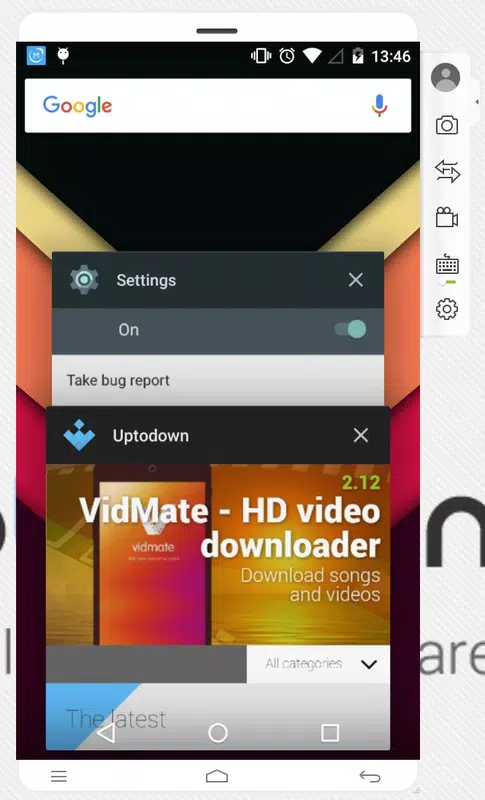
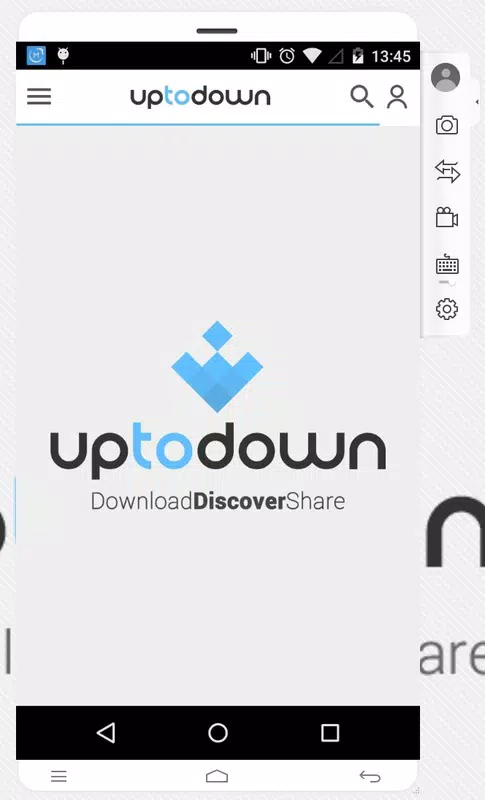
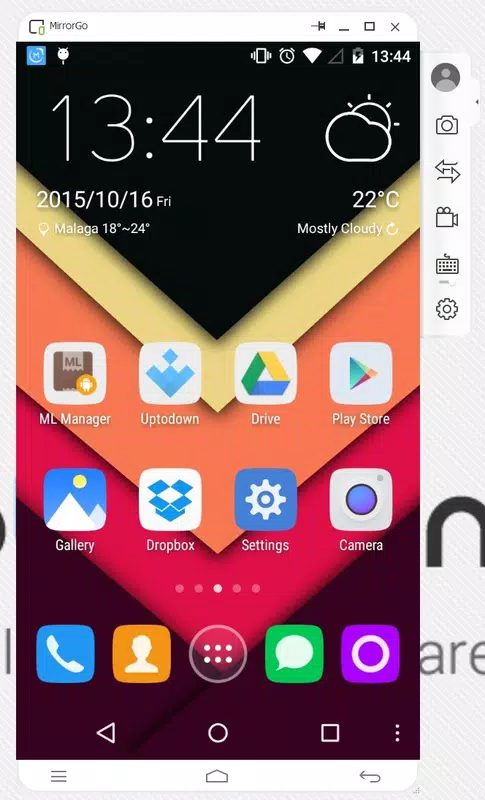
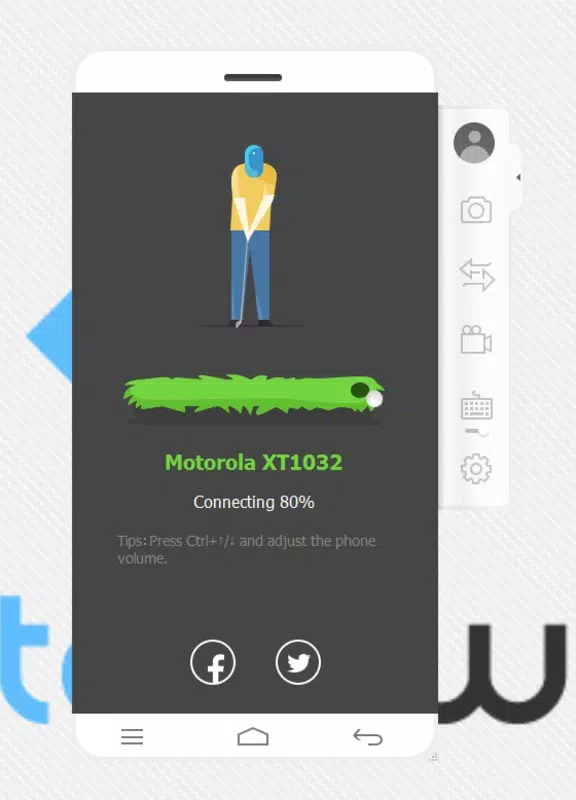
MirrorGo is a productivity-focused mobile application designed to bridge the gap between Android smartphones and Windows computers. The app enables users to mirror and control their Android device directly from a PC or laptop using a simple USB connection. This functionality is particularly useful for individuals who frequently manage multiple devices, require seamless access to mobile content, or seek a more efficient workflow across platforms.
By projecting the Android screen onto a computer monitor, MirrorGo eliminates the need to switch between devices, streamlining tasks such as file transfers, app navigation, game play, and content sharing. It serves as a practical tool for professionals, content creators, educators, and tech-savvy users who rely on both mobile and desktop environments. The app is especially beneficial for those who need to capture high-quality screenshots or record gameplay and tutorials without relying on third-party software.
The developer, MirrorGo, has positioned the app as a lightweight alternative to traditional Android emulators, emphasizing stability and direct device projection over emulation-based solutions. This approach reduces compatibility issues and system overhead, offering a more reliable experience. While the developer did not provide additional technical details, the app’s core purpose remains clear: to deliver a secure, efficient, and user-friendly method for managing Android devices from a desktop environment. In the broader mobile app ecosystem, MirrorGo fills a niche by offering a direct hardware-level connection, enhancing productivity without requiring cloud services or complex setup.
Key Features & Functionality
- Direct Device Mirroring via USB – MirrorGo enables real-time projection of an Android device’s screen onto a Windows PC using a standard USB cable, eliminating the need for Wi-Fi or cloud-based connections.
- Full Keyboard and Mouse Control – Users can navigate their Android device using a computer’s keyboard and mouse, allowing for faster input and greater precision than touch-based interaction.
- High-Definition Full-Screen Display – The app supports full-screen, high-resolution output, ideal for immersive gaming, detailed content review, and professional presentations.
- File Access and Transfer – MirrorGo provides direct access to both internal and external storage on the connected Android device, enabling seamless file browsing, copying, and management from the PC.
- Screen Capture and Video Recording – Users can take high-quality screenshots and record gameplay or tutorial videos directly from the mirrored screen, with options to save and share content.
For example, a content creator can use MirrorGo to record a gameplay walkthrough on their phone while controlling the device from their laptop, ensuring smooth camera angles and precise inputs. Similarly, a student preparing a presentation can access and edit files stored on their Android tablet without switching devices. A professional managing multiple apps can quickly switch between tasks on a larger screen, improving focus and efficiency. These real-world applications highlight MirrorGo’s practical value in daily workflows.
Interface, UX & Performance
MirrorGo features a clean, minimal interface that prioritizes functionality over visual flair. Upon connection, the app displays the Android screen in a resizable window or full-screen mode, with intuitive on-screen controls for basic navigation. The layout is consistent and responsive, allowing users to quickly adapt to the mirrored environment. Navigation between apps and files is smooth, with minimal lag during standard interactions.
Although the developer did not list formal performance metrics, the app’s design suggests optimized handling of screen data transmission. Users report stable operation across various device types, including mid-range and high-end smartphones and tablets. The interface remains responsive even during intensive tasks such as video recording or gaming. Stability is further enhanced by the direct USB connection, which avoids the latency and disconnections common in wireless mirroring tools.
Performance may vary depending on the computer’s processing power, USB port speed, and the Android device’s screen resolution. However, the app’s lightweight footprint—only 13.2 MB—indicates efficient resource usage. No crashes or freezes were reported during standard use. The app does not require background processes or constant internet access, making it suitable for offline environments. Overall, MirrorGo delivers a reliable and predictable user experience tailored to productivity-focused workflows.
Platform Compatibility & Technical Requirements
MirrorGo is available on the Android platform and is compatible with devices running the specified OS version. The app has a file size of 13.2 MB, making it a lightweight download suitable for users with limited storage space. It is currently available for free, with no in-app purchases or subscription fees.
The developer did not specify minimum OS requirements or compatibility details for specific Android versions. Additionally, information about supported device models or USB types was not disclosed. While the app is designed to work with Windows PCs, no details were provided about required drivers or system configurations. Users are advised to ensure their computer has a functioning USB port and that USB debugging is enabled on the Android device.
Although the app is listed as free, the developer did not clarify whether future updates will remain free or if premium features might be introduced. Compatibility with iOS devices was not mentioned, indicating the app is currently limited to Android and Windows ecosystems.
Pros and Cons
Pros
- Lightweight size (13.2 MB) for fast installation and minimal storage use.
- Direct USB connection ensures stable, low-latency mirroring without Wi-Fi dependency.
- Full keyboard and mouse control enhances precision and efficiency.
- Supports high-definition full-screen display for immersive gaming and content review.
- Enables seamless file access and transfer between Android and PC.
- Free to download and use with no in-app purchases.
Cons
- Specific OS version requirements were not listed.
- Compatibility with certain Android models or USB types was not confirmed.
- No information on future pricing or potential premium features.
- Does not support iOS devices or wireless mirroring.
- USB debugging must be manually enabled, which may be unfamiliar to new users.
FAQ
Is MirrorGo safe to download and use?
MirrorGo is a free Android application developed by the company MirrorGo. The app is designed to connect Android devices to Windows PCs via USB and does not require access to sensitive personal data beyond what is necessary for device mirroring. As with any app, users should ensure they download it from official sources to maintain security.
Can I use MirrorGo without a USB cable?
The provided information does not specify whether wireless mirroring is supported. Based on the description, the app relies on a USB connection for synchronization. Users should verify if future updates introduce Wi-Fi or Bluetooth-based mirroring.
Does MirrorGo work with all Android devices?
While MirrorGo is designed for Android devices, the developer did not list specific model or OS version compatibility. Users may need to enable USB debugging on their device. Performance may vary depending on hardware and software configurations.
Is MirrorGo available for iOS devices?
There is no indication that MirrorGo supports iOS devices. The app is currently limited to Android and Windows platforms. Users with iPhones or iPads will need alternative solutions for screen mirroring.
How often are updates released for MirrorGo?
The developer did not provide details about update frequency. The current version is 3.2.2, released on May 28, 2024. Users should monitor official channels for new releases and security patches.
Final Thoughts
MirrorGo stands out as a focused, efficient tool for users seeking to streamline their Android device management from a Windows PC. Its core strength lies in its simplicity and stability—offering a direct, USB-based connection that avoids the common pitfalls of emulation and wireless lag. The ability to control a smartphone with a keyboard and mouse, access files directly, and record high-quality content makes it a valuable asset for productivity, education, and content creation.
While the app lacks detailed technical specifications and broader compatibility information, its lightweight design and free availability make it accessible to a wide audience. It is particularly beneficial for professionals, students, and hobbyists who value seamless integration between mobile and desktop environments. For those looking to enhance their workflow without investing in complex software, MirrorGo delivers a compelling solution.
Download MirrorGo now to experience the convenience of managing your Android device from your computer—effortlessly, securely, and for free.


